The 2 a.m. booking problem that’s costing you clients

If you run an appointment-based business, you know how this goes: your phone rings while you’re mid-service, you miss it, and the voicemail says, "Call me back when you can." But "when you can" is often hours later. Sometimes the next day. By then, that person has probably booked someone else.
An online scheduler for small business fixes this. It takes bookings while you’re busy, asleep, or just unable to pick up the phone.
Why customers expect instant booking
People book appointments the same way they order food or reserve a table: quickly, from their phone, usually outside business hours. The expectation isn’t "great customer service." It’s convenience. If a client can’t book right away, they don’t wait. They keep searching.
A simple online booking system catches the appointments that happen after dinner, before work, or at 2 a.m. It gives people a clear path from "I need this" to "I’m booked," without requiring you to be available in that moment.
What phone tag really costs in lost sales
Phone tag feels harmless until you add it up: repeated call attempts, missed messages, the "What times do you have?" back-and-forth. Each extra step makes it easier for someone to give up. If you’ve ever played voicemail ping-pong with a new lead, you’ve watched a warm prospect go cold in real time.
A lot of businesses stick with "Just call us" because it’s familiar. But it’s also the easiest way to leak revenue. Self-serve scheduling isn’t about fancy tech. It’s about removing the delays that cause people to drop off. Pair that with a solid website (like the kind we build at idkwebsites.com), and missed calls become confirmed appointments.
How "closed hours" becomes "lost hours"
When your office closes, your booking pipeline usually closes with it. Unless you have an online scheduler for small business running in the background, you’re turning away anyone who wants to book outside of 9-to-5.
That gap matters most for small teams. You’re already doing the service work, the admin, and the marketing. If booking only happens during business hours, you’re missing the window when people are actually making decisions. Closed hours don’t just limit appointments. They limit impulse bookings, the "I want a haircut this week" moment for salons and beauty businesses or "my back hurts, who can see me soon?" moments that turn into revenue when someone can act on them immediately.
What an online scheduler actually does (without the tech headache)

At its core, an online scheduler for small business is a set of rules wrapped in a simple customer-facing interface. Clients pick a service, choose a time that’s actually available, and get instant confirmation. On your end, it updates your calendar and handles the repetitive back-and-forth you’d normally do yourself.
Self-serve booking: real-time availability
Self-serve booking works because it shows clients what’s available right now, not what you think is available. No guessing, no double entries, no accidental overlaps when you’re heads-down with a client. Your scheduler becomes the single source of truth for your calendar.
From the customer’s side: select a service, pick a time, done. From yours: office hours, buffers, staff schedules, and service durations act as guardrails so people can only book what you actually want them to book.
Automated confirmations, reminders, and follow-ups
Once someone books, the system sends a confirmation right away, plus automated appointment reminders before the visit. Email, SMS, or both, depending on what your clients respond to. The reminders go out every time, even when you’re slammed and wouldn’t have remembered to send one manually.
Follow-ups matter too. A simple "Thanks for coming in, here’s the link to rebook" message can increase repeat appointments without you lifting a finger. That’s the real win of pairing an online booking system with basic automation.
Bookings are your revenue.
Launch a booking-ready website built for appointment businesses, no tech setup, no long timelines.
More bookings, same hours
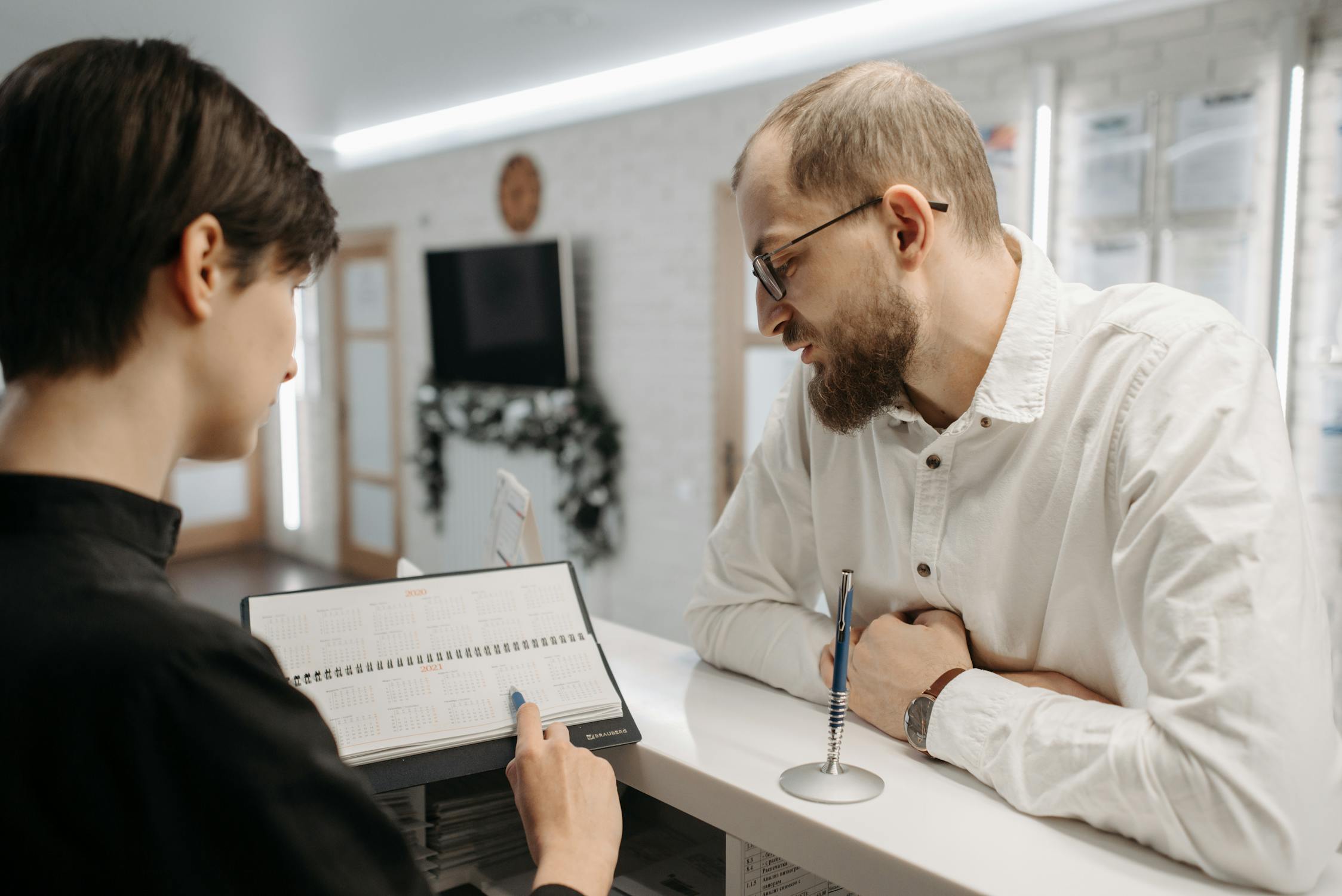
Most small appointment businesses don’t need more time. They need fewer gaps in the schedule and a smoother way for first-time clients to commit. You’re not working more hours. You’re capturing demand that already exists and making it easier for people to say yes.
Remove friction from first-time appointments
First-time clients are the easiest to lose. They don’t have loyalty yet. They’re comparing options, scanning reviews, making quick decisions. If they have to call you, wait for a callback, then negotiate times, that’s a lot of effort for someone who hasn’t even met you yet. A simple online booking system lets them commit while motivation is high.
First-time booking success usually comes down to clarity: what services you offer, what they cost, and when you’re available. That’s why pairing an online scheduler for small business with a well-structured site matters. Our Articles cover what to show on your site and where to put it.
Capture leads from Google and social instantly
Google searches and social posts create quick bursts of interest, but those leads expire fast. Someone finds your business, taps around, and if they can’t book within a minute, they’re back to scrolling. An online scheduler makes the "Book now" moment immediate instead of delayed.
This matters even more on mobile. If your website isn’t built for phones first, online booking won’t perform well. IDKWebsites builds mobile-first because that’s how people actually behave: discover you, decide quickly, book immediately, show up.
Offer add-ons and upsells at booking
Upsells don’t have to feel pushy. Done well, they’re just helpful prompts: "Add a deep conditioning treatment," "Include a 15-minute consult," or "Upgrade to the extended session." This works especially well for personal trainers offering session upgrades. Many scheduling platforms support structured add-on flows during the booking process.
You increase revenue per appointment without extending your day. Clients choose what they actually want, and you get better prepared for each visit.
No-shows shrink when reminders and policies run themselves

No-shows are brutal for small appointment businesses. You can’t make up that time later. The slot is gone, the revenue is gone, and your schedule gets choppy. But an online scheduler for small business paired with smart policies can reduce no-shows significantly, often without any uncomfortable conversations.
Email/SMS reminders that actually get seen
Email reminders help, but text messages are the ones people actually notice. A solid setup sends a confirmation right after booking, a reminder 24 hours before, and another 2 hours before (adjust for your business). These automated appointment reminders don’t just reduce forgetting. They also clear up misunderstandings about time, location, and what to bring.
Keep reminders short and specific: date, time, address, and an easy reschedule link. Tools like Calendly handle this well because reminders are part of the default workflow, not something you have to remember to send.
Stop Missing Calls
Give clients a way to book instantly, even after hours. Your schedule fills itself.
Your next 10 appointments can be easier. Here’s the checklist.

You don’t need a perfect system to get value here. You need a functional online scheduler for small business that handles the big stuff right away: no-shows, back-and-forth messages, and missed after-hours bookings. Fix those first. Refine the details later.
Turn on reminders, deposits, and waitlist first
Start with the settings that protect your day. Turn on automated appointment reminders (email plus SMS if your clients respond to texts), then add a deposit option for the services where no-shows hurt most. If your tool supports it, set up a waitlist so cancellations don’t automatically become dead space.
These three changes alone can reduce no-shows and stabilize your revenue. They also reduce the mental load of wondering who’s actually going to show up.
Add booking link to Google Business Profile and socials
Put your booking link where clients already look. Your Google Business Profile, Instagram bio, Facebook page, and website navigation. If someone has to hunt for the booking button, you’ll lose bookings you could have captured in seconds.
If you’re rebuilding your site to support this properly, we focus on making booking obvious and easy to find. Contact us and we’ll walk you through the fastest way to get it live.
Review metrics monthly and refine availability rules
Set a monthly reminder to check your numbers: bookings by service, no-show rate, busiest days, and where clients are coming from. Use that data to adjust availability, add buffers, or change service durations. Your scheduler is only "set-and-forget" when the rules match how your business actually runs.
For a simple framework on improving your marketing and booking flow over time, grab the Download Guide. And if privacy matters for your audience (it often does), link your Privacy Policy and Cookie Policy in your site footer so people feel comfortable booking.
Quick next steps for this week:
Pick one scheduler and fully configure your services, hours, and reminders.
Place your booking button in your website header and on your contact page.
Send the booking link to three recent clients and ask them to try it.
Make one improvement based on their feedback (wording, steps, service names).
If you’d rather have a booking-ready website that looks professional on any device instead of stitching tools together, that’s what we do at idkwebsites.com. When you’re ready, start with Request Access. You’ll land on a confirmation page, and from there it’s just a matter of getting your services and scheduling rules dialed in.
Goal | Setting to turn on | Why it helps |
|---|---|---|
Capture after-hours leads | 24/7 booking link + real-time availability | People can book when they’re ready instead of waiting for a callback |
Reduce missed appointments | SMS + email reminders | Keeps the appointment top-of-mind and cuts "I forgot" no-shows |
Protect revenue | Deposits + cancellation window | Adds commitment and reduces last-minute schedule holes |
Save admin time | Self-serve rescheduling + templates | Keeps scheduling from eating into billable hours |
Once you get the basics running, you’ll feel it: fewer interruptions, steadier days, and a calendar that actually reflects the business you’re trying to run. Not just more bookings, but better control over your time.